Tidal Island is a survival game where you’re stranded on a deserted island and must gather resources and craft items to escape. You must progress toward building a raft to escape before the tides get too high and submerge the island!
Why I built It
Tidal Island was initially developed as a final project for CMSC 22 (Fundamentals of Object-Oriented Programming).1 The task was to apply OOP principles to create a Java application from scratch.
I chose to build a game because (1) I haven’t built one yet and (2) it felt like the perfect playground to practice these concepts. Games naturally involve complex systems, objects interacting with each other, state management, and events (all of which map to OOP patterns).
How it turned out
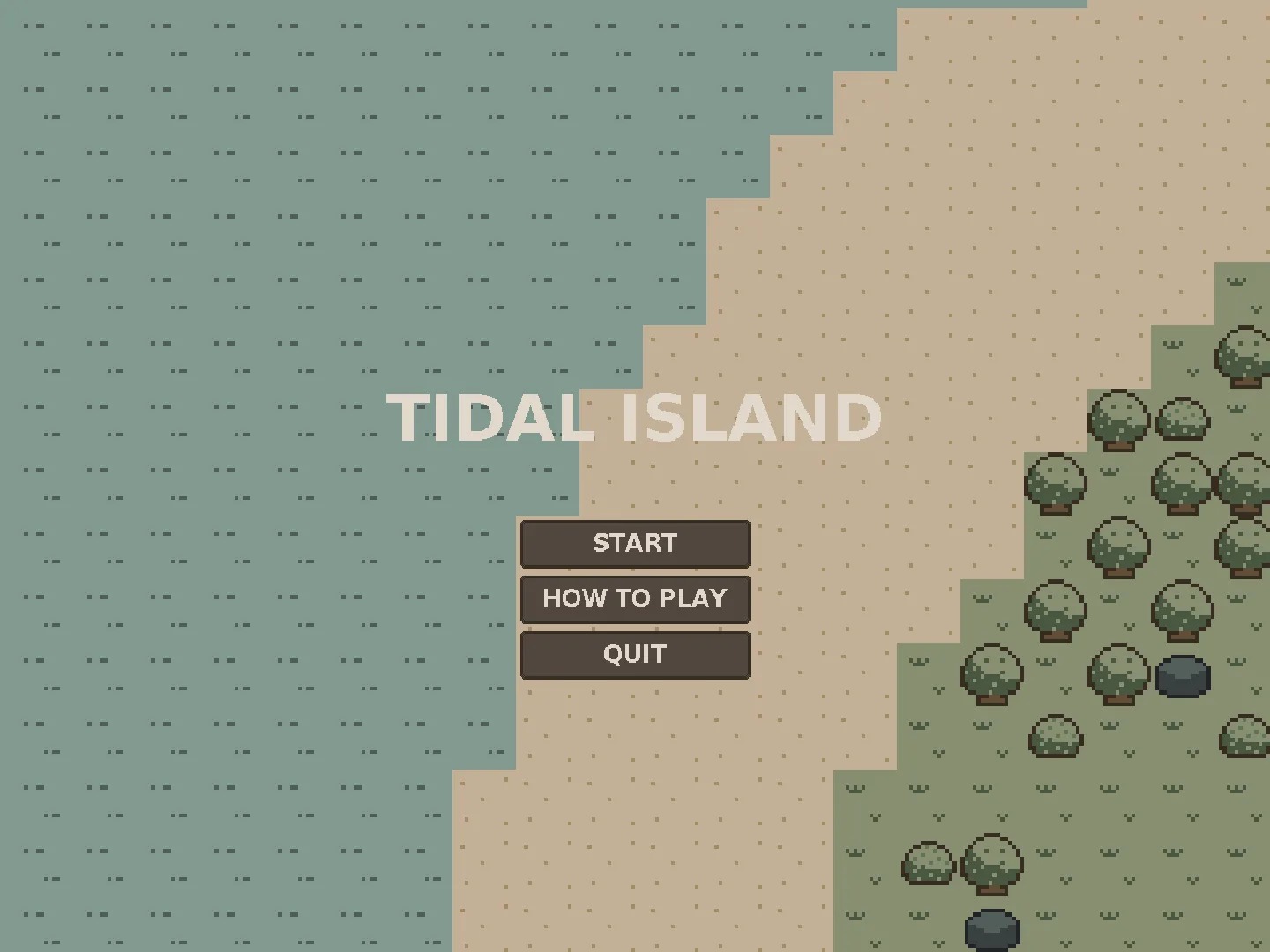
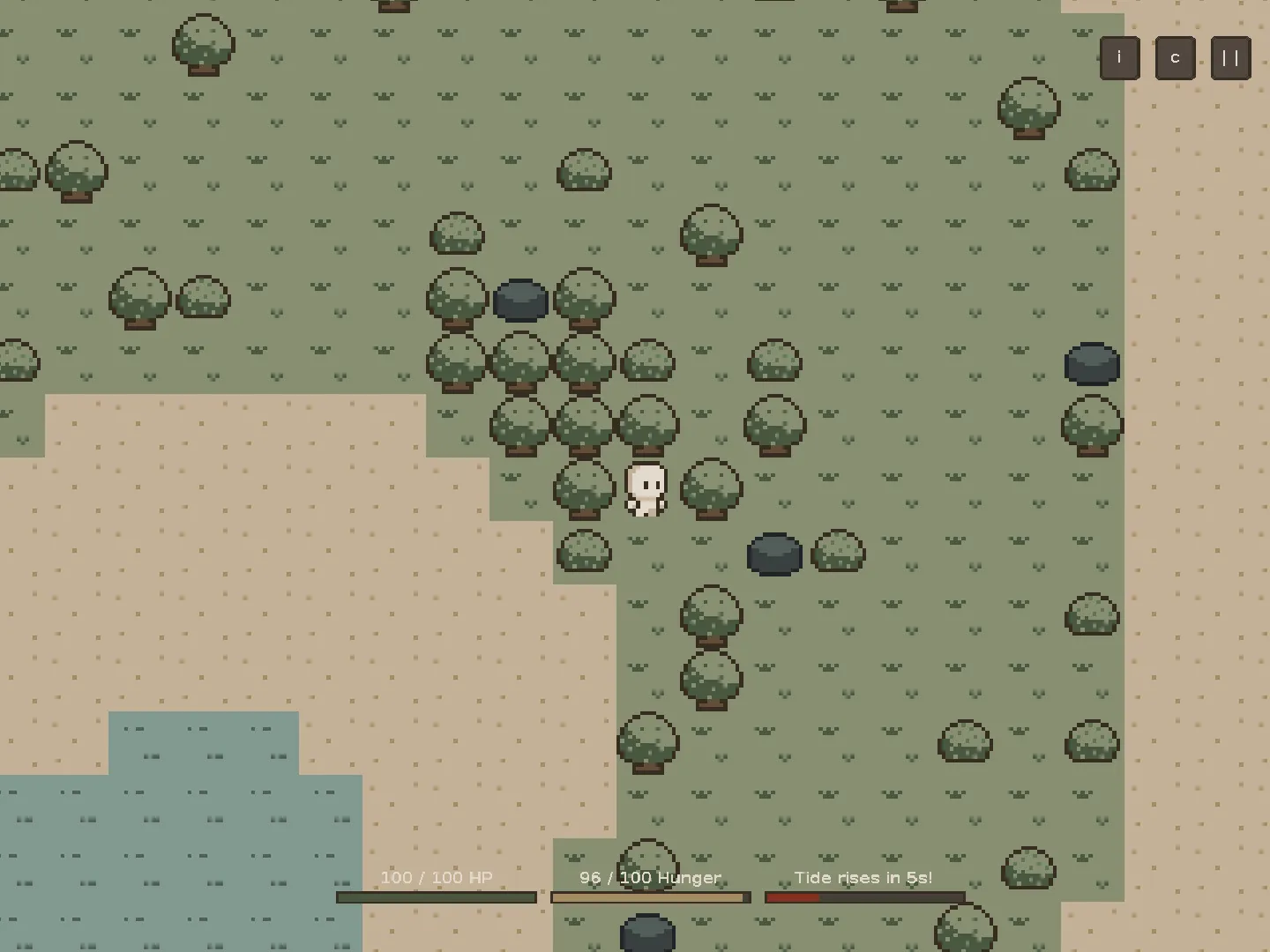
The game is now available on itch.io for free, playable by anyone on Windows, Mac, or Linux.
How I built it
Technologies I used
Java
(yep, that’s it…)
Architecture and Design
Building the game required careful planning of the architecture. I organized the codebase into several key systems: Game Engine, Collision System, Entity System, Inventory and Crafting, Tidal Mechanics, Event System, and UI System, and more. You can read more about the architecture in the docs.
---
config:
  layout: elk
  look: handDrawn
---

stateDiagram
    state Title
    state Playing
    state Pause
    state GameOver

    [*] --> Title
    Title --> Playing: Start Game
    Playing --> Pause: ESC
    Pause --> Playing: Resume
    Pause --> Title: Exit
    Playing --> GameOver: Death/Flood
    GameOver --> Playing: New Game
    GameOver --> Title: Exit
Throughout development, I consciously applied several design patterns such as: Singleton, Builder, Factory/Registry, Observer, State, and Template Method. I also tried to follow SOLID principles along the way.
Developer Experience
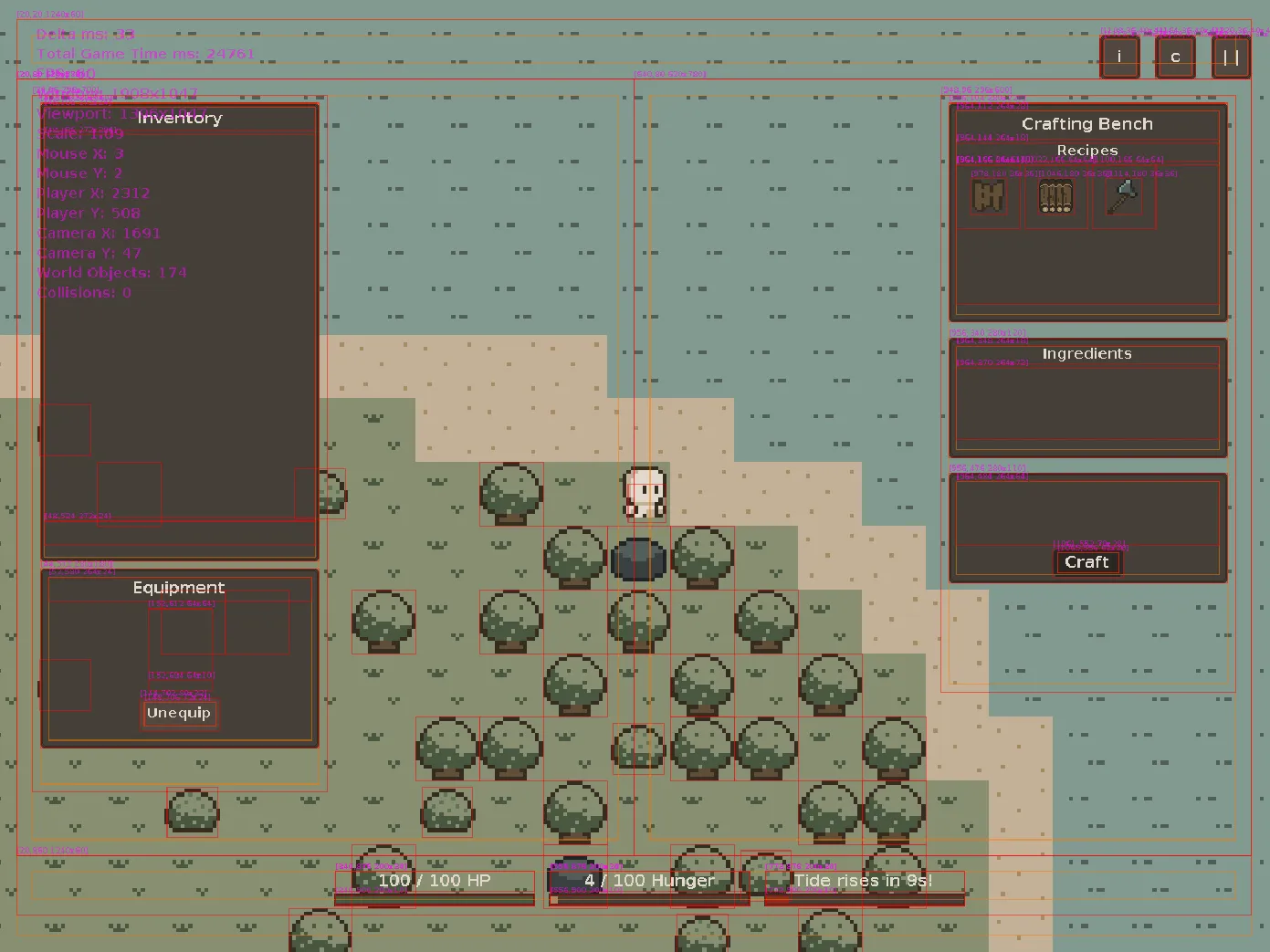
I built tools to make development less of a headache. The big thing that helped me is the debug rendering I added to visualize collision boxes, UI elements, and inspect the game state in real-time.
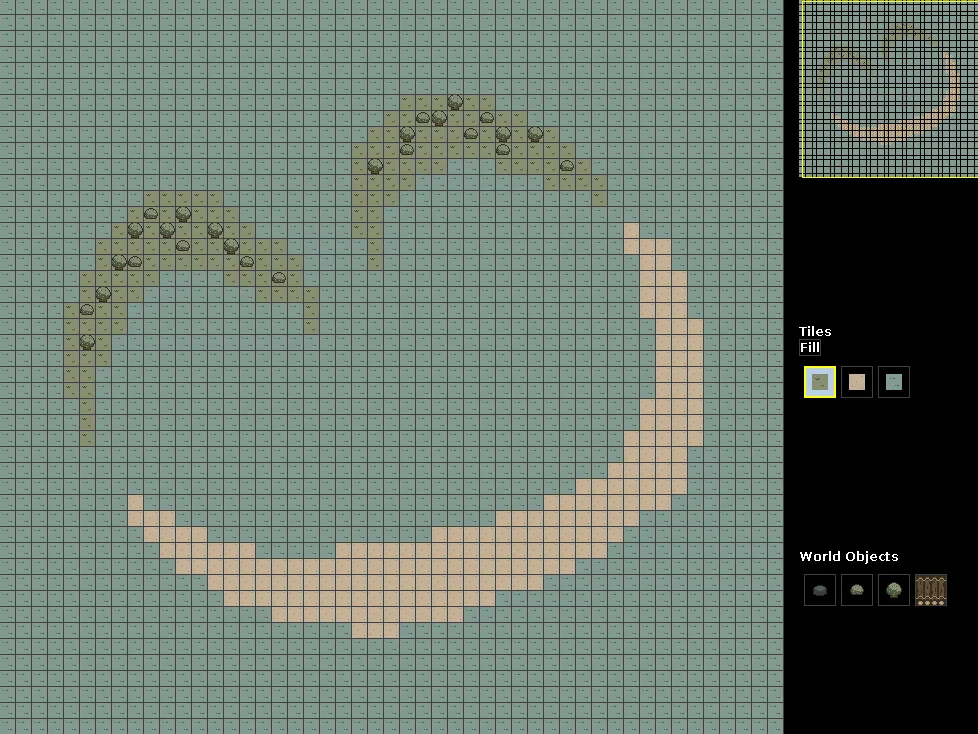
I also created a World Builder for visually designing maps. It lets you paint tiles, place objects, undo/redo changes, and export everything to JSON that the game loads.
There’s also a test suite using JUnit covering core systems to ensure everything works as expected.
Art
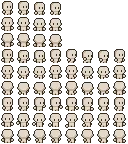


For graphics, I chose pixel art and created most of the sprites myself using Aseprite. Being a beginner, I went through a lot of trial and error to get the sprites to look right. For the player sprite in particular, I started from a base by Hana Caraka because it already included many animation states, which made the process easier.
What I learned
This project taught me a lot not only about OOP, but also about game development.
I’ve always struggled to grasp concepts like SOLID principles and design patterns, but actually working with inheritance, polymorphism, composition, etc. in a real project made them click in ways that textbook examples never did.
I also faced the hard truth: game development is hard. Building even a simple 2D game involves solving problems across many domains (graphics, physics, input handling, state management, performance optimization).
Footnotes
-
CMSC 22 is a computer science course I took at UPV. It covers topics such as pillars of OOP, SOLID principles, and Design Patterns. ↩